

Description
anjana is a Python library for anonymizing sensitive data. The following anonymity techniques are implemented:
- k-anonymity
- (α,k)-anonymity
- ℓ-diversity
- Entropy ℓ-diversity
- Recursive (c,ℓ)-diversity
- t-closeness
- Basic β-likeness
- Enhanced β-likeness
- δ-disclosure privacy
Usage example
import pandas as pd
import anjana
from anjana.anonymity import k_anonymity, l_diversity, t_closeness

# Read and process the data
data = pd.read_csv("adult.csv")
data.columns = data.columns.str.strip()
cols = [
    "workclass",
    "education",
    "marital-status",
    "occupation",
    "sex",
    "native-country",
]
for col in cols:
    data[col] = data[col].str.strip()

# Define the identifiers, quasi-identifiers and the sensitive attribute
quasi_ident = [
    "age",
    "education",
    "marital-status",
    "occupation",
    "sex",
    "native-country",
]
ident = ["race"]
sens_att = "salary-class"

# Select the desired level of k, l and t
k = 10
l_div = 2
t = 0.5

# Select the suppression limit allowed
supp_level = 50

# Import the hierarchies for each quasi-identifier
hierarchies = {
    "age": dict(pd.read_csv("hierarchies/age.csv", header=None)),
    "education": dict(pd.read_csv("hierarchies/education.csv", header=None)),
    "marital-status": dict(pd.read_csv("hierarchies/marital.csv", header=None)),
    "occupation": dict(pd.read_csv("hierarchies/occupation.csv", header=None)),
    "sex": dict(pd.read_csv("hierarchies/sex.csv", header=None)),
    "native-country": dict(pd.read_csv("hierarchies/country.csv", header=None)),
}

# Apply the three functions: k-anonymity, l-diversity and t-closeness
data_anon = k_anonymity(data, ident, quasi_ident, k, supp_level, hierarchies)
data_anon = l_diversity(
    data_anon, ident, quasi_ident, sens_att, k, l_div, supp_level, hierarchies
)
data_anon = t_closeness(
    data_anon, ident, quasi_ident, sens_att, k, t, supp_level, hierarchies
)
Access the interactive application
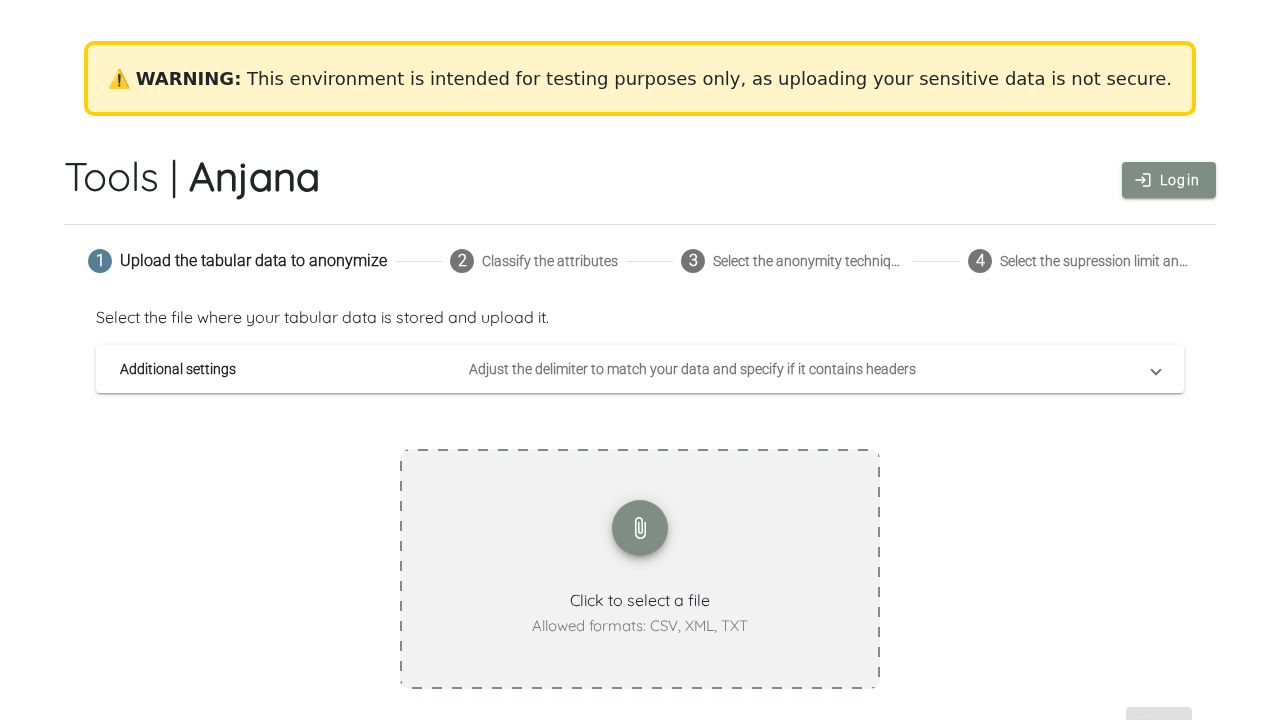
The anjana dashboard is hosted at anjana.cloud.eosc-siesta.eu. For testing purposes, the interface can be used when the input files are smaller than 10 MB. For real-world use with data larger than 10 MB, please contact the team for access and login.
Open dashboardDashboard preview
Tutorial
Watch a demonstration of using anjana via the web application.